 GalleryShift
Photo & storage cleanup for Android
Swipe your gallery clean.
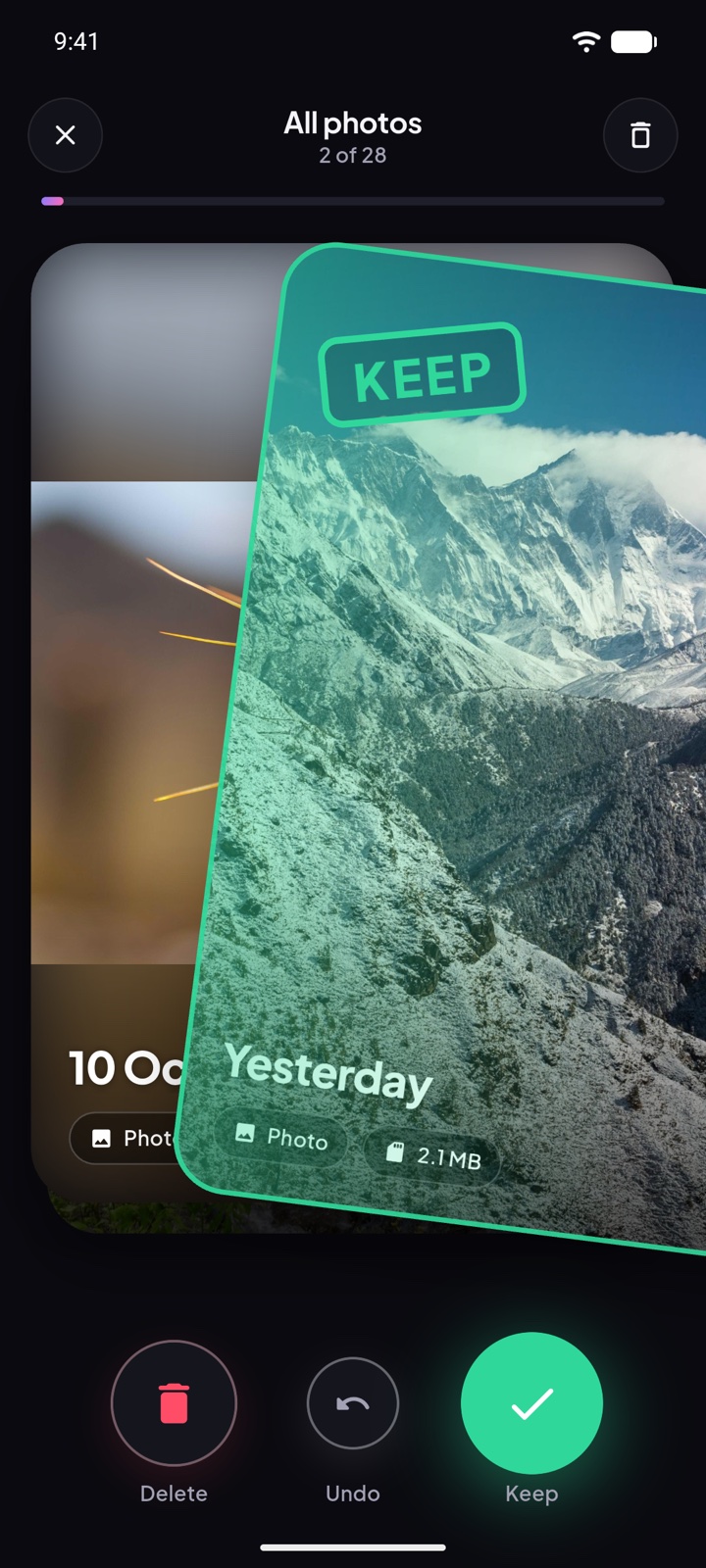
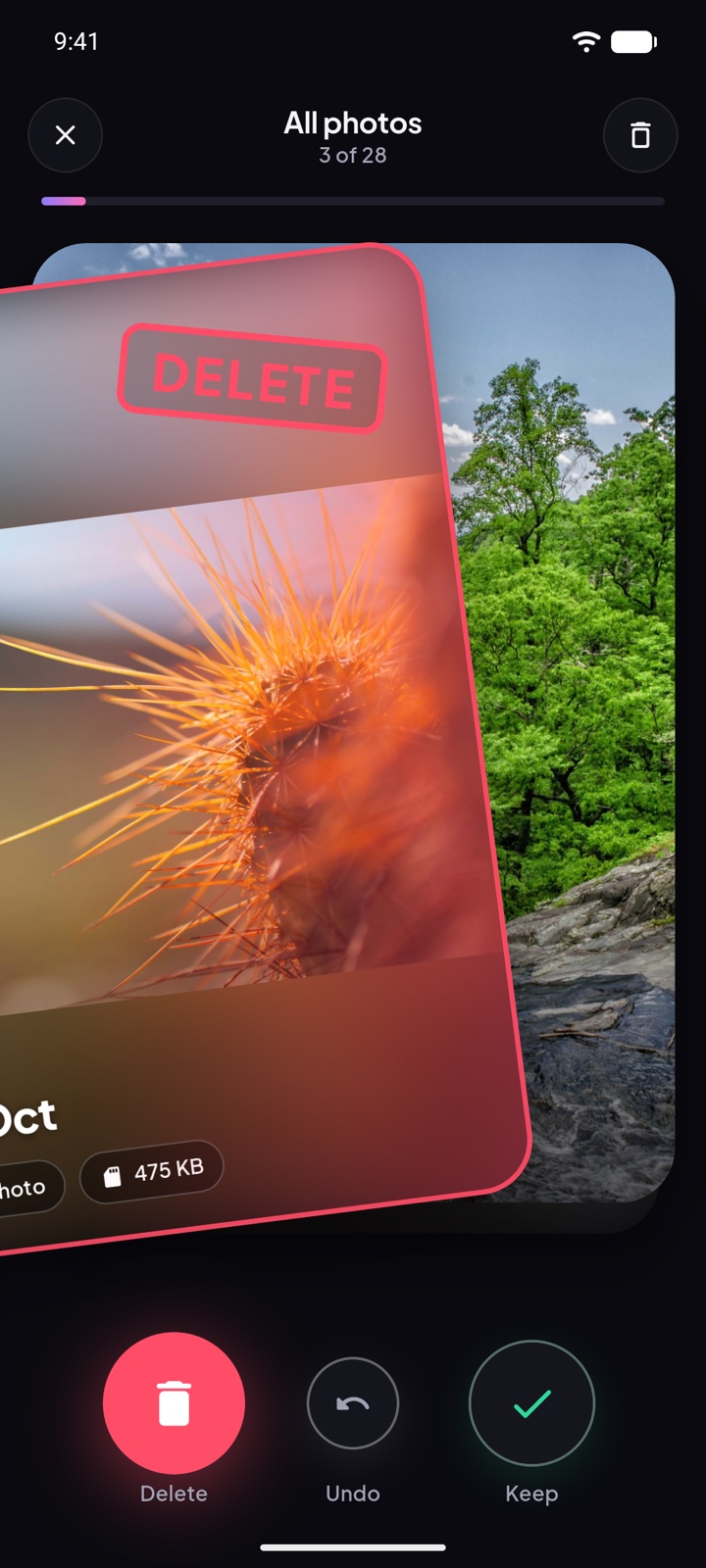
Go through your photos and videos one at a time. Swipe right to keep, left to let go. Nothing is deleted until you review the bin and say so.
- Swipe right to keep
- Swipe left to delete
- Your photos never leave your phone
How it works
Three steps, one thumb.
Cleaning a gallery is a thousand small decisions. GalleryShift makes each one a swipe.
Swipe
One photo or video at a time. Right keeps it, left sets it aside. A quick flick counts, and Undo brings the last card back.
Review the bin
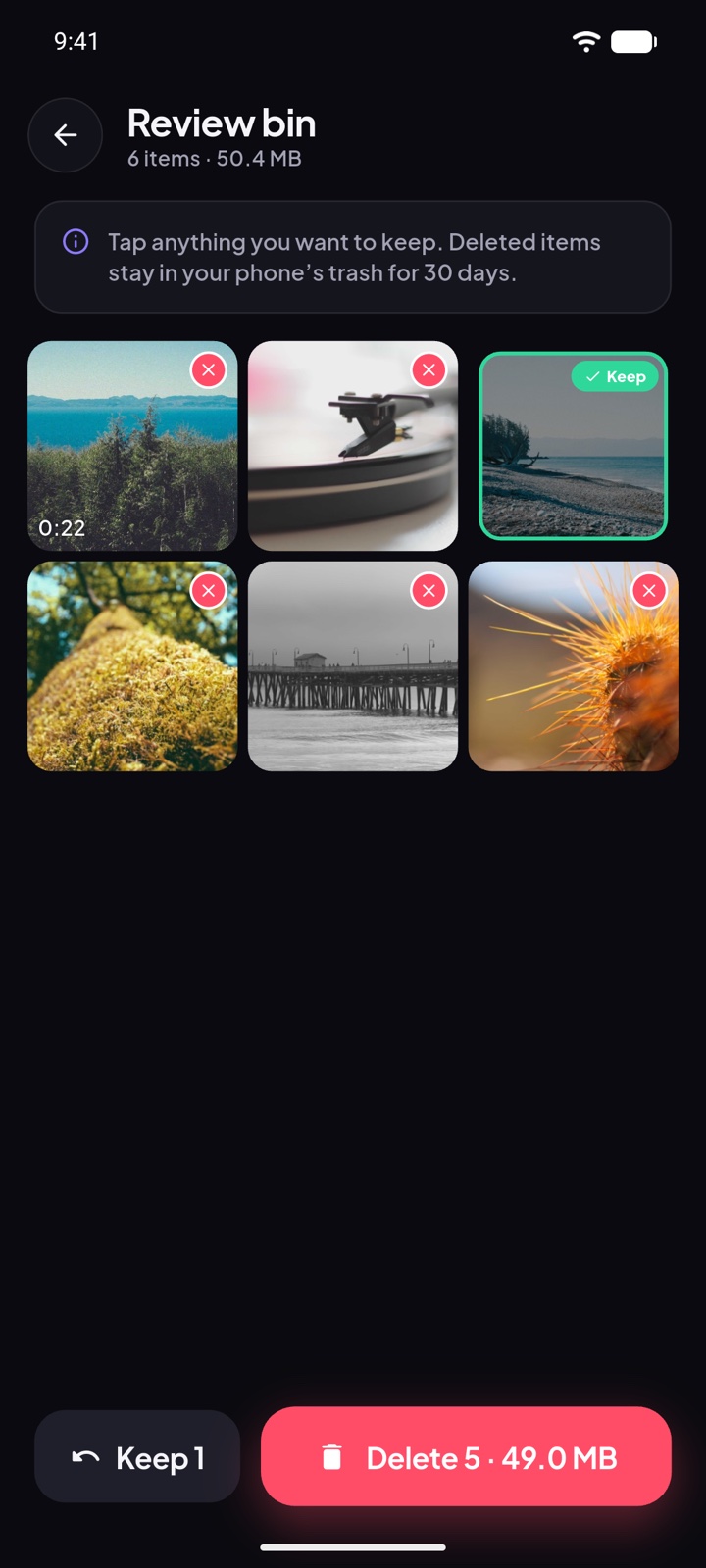
Everything you swiped left waits in the bin. Tap anything to rescue it, then delete the rest in one go.
Get the space back
See how much you freed. On Android 11 and newer, deleted photos stay in your phone’s trash for 30 days in case you change your mind.
Features
Built for big, messy libraries.
Decks that make sense
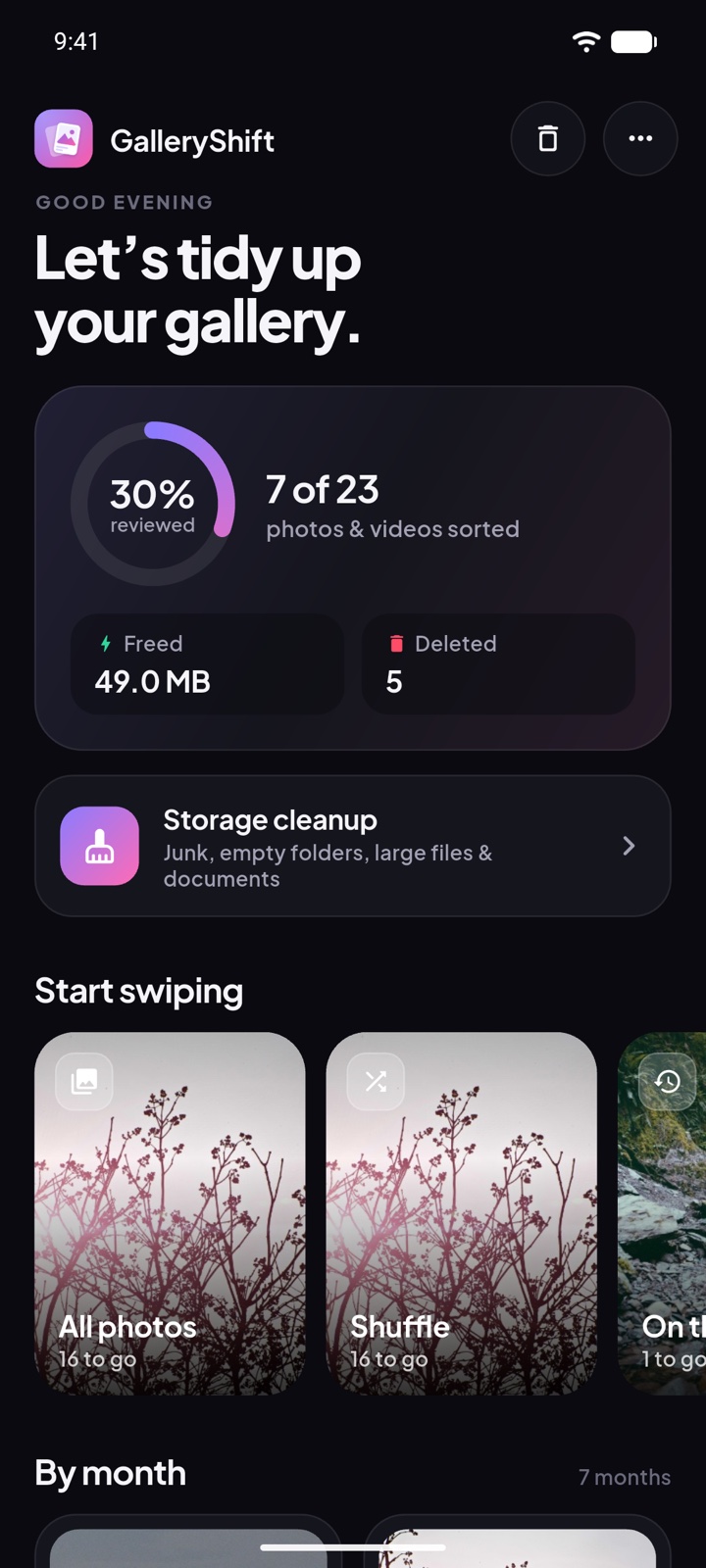
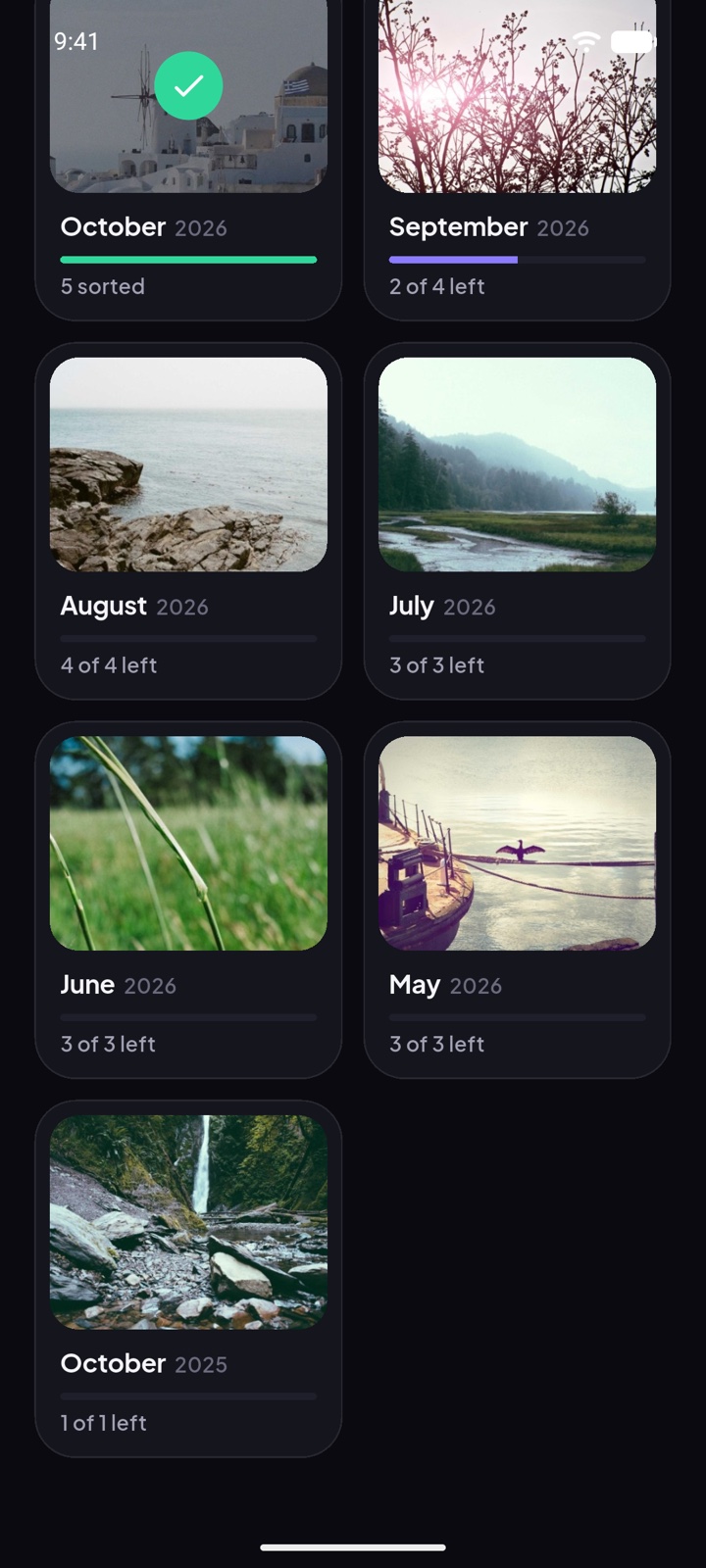
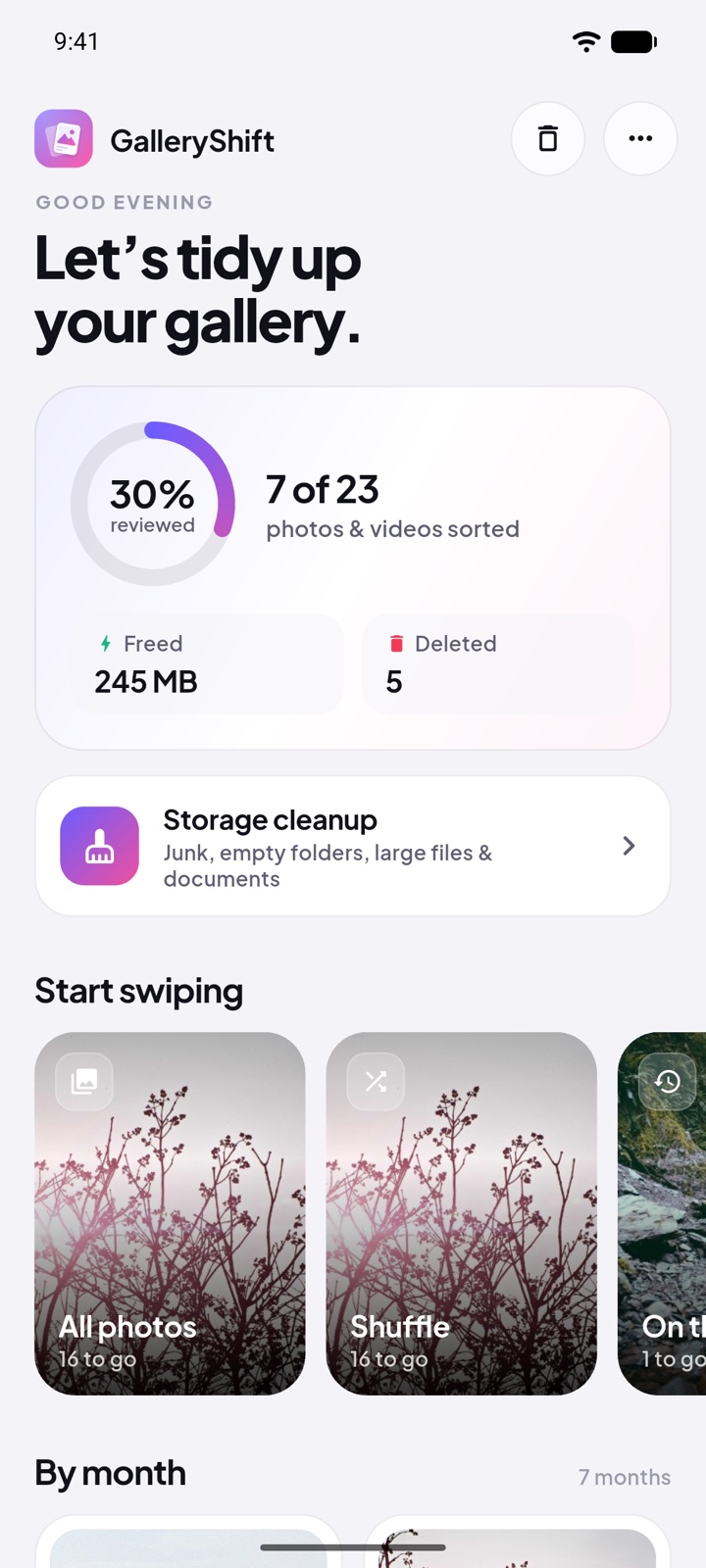
All photos, Shuffle, On this day, Screenshots, Videos, and one deck per month with its own progress bar.
Videos play on the card
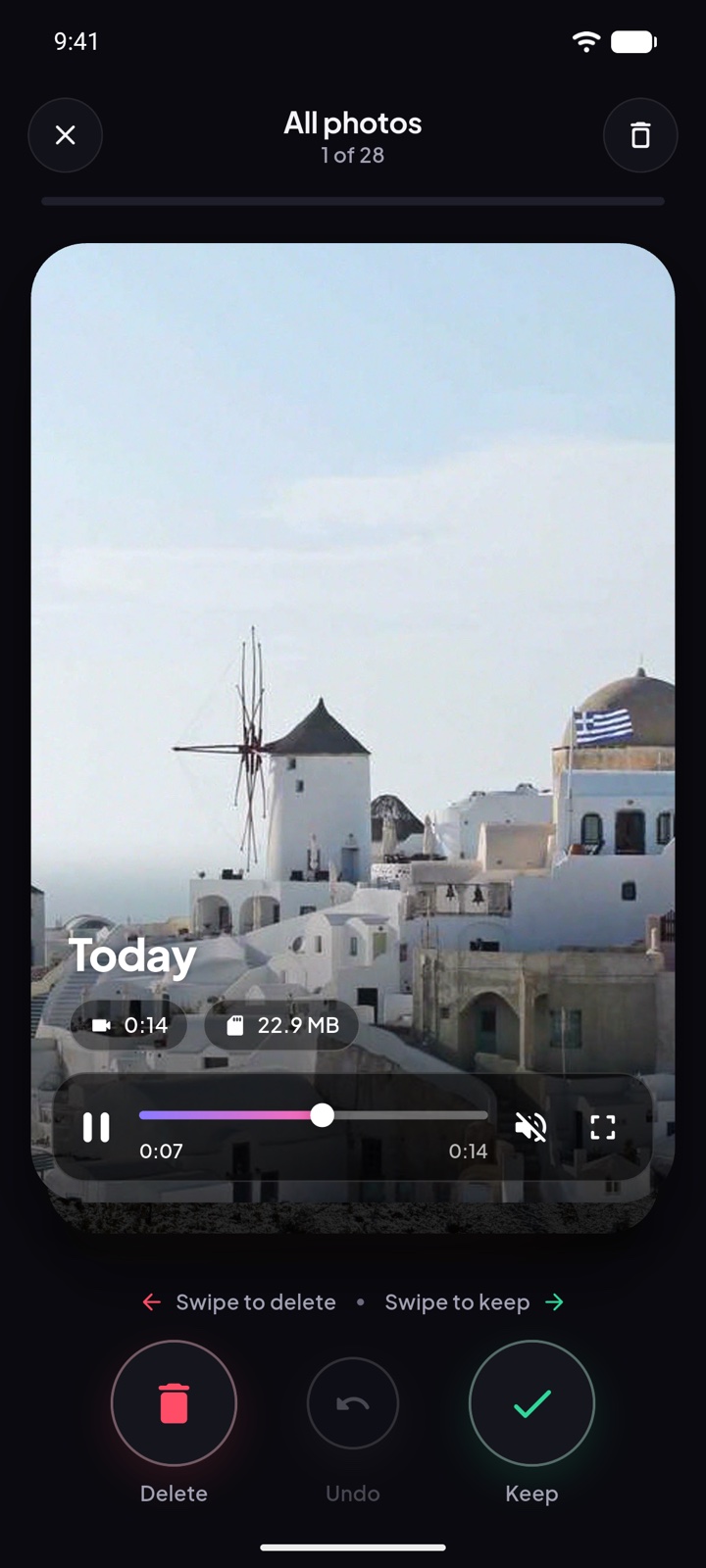
They start muted on their own. Scrub with the seek bar, double-tap to skip 10 seconds, or hold for 4× speed.
Storage cleanup
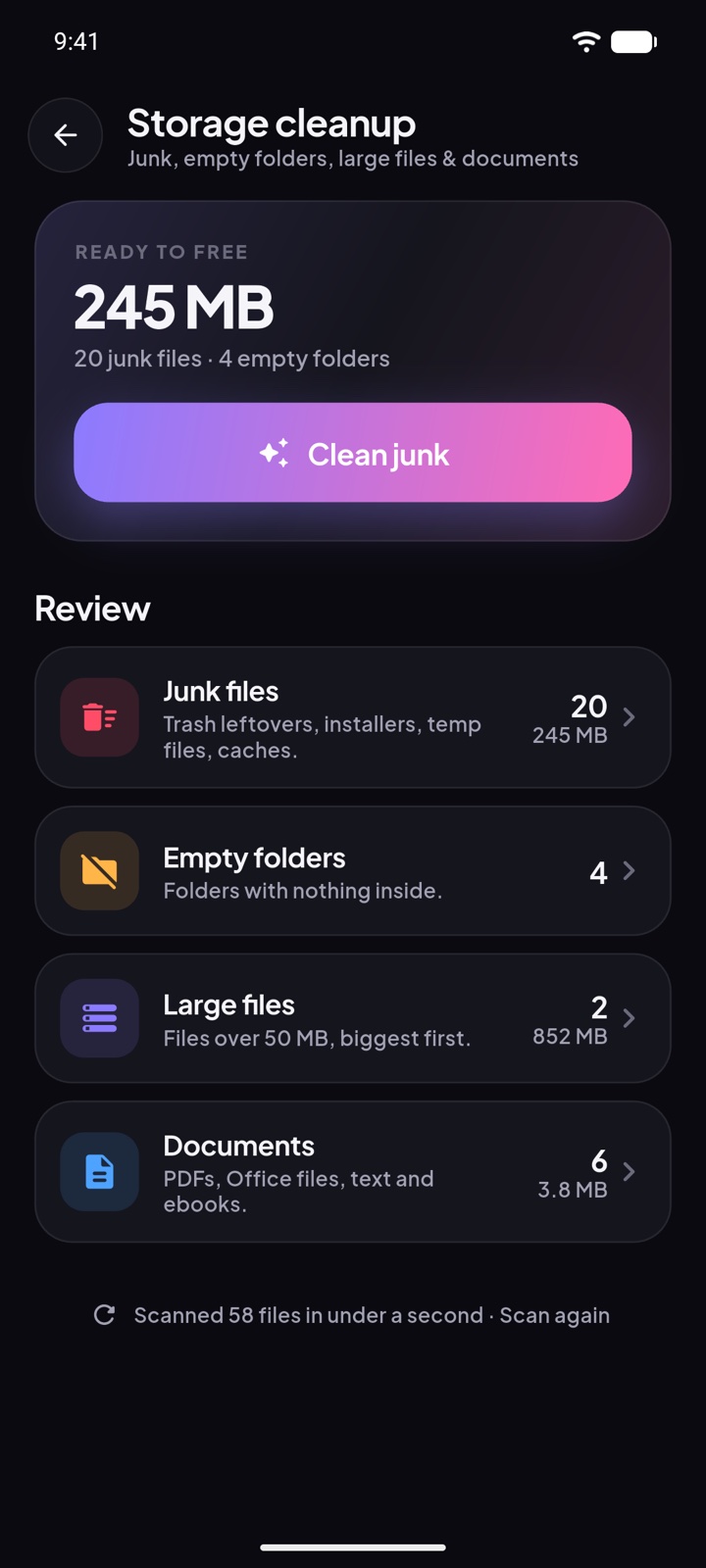
Finds leftover trash, old installers, temp files, empty folders, large files and documents. You choose what goes.
Review again
Changed your mind? Go through any month or deck again without starting the whole library over.
Remembers your place
Progress is saved as you go, so a huge library can be done a few minutes at a time.
Light and dark
Follows your phone’s theme, with haptics and smooth motion throughout.
Screens
See it in action.
Privacy
Your photos never leave your phone.
- No account and nothing to sign in to
- No ads, no analytics, no tracking
- The app has no permission to use the internet, so it cannot send anything anywhere
- The code is public on GitHub for anyone to read
Questions
Good to know.
Is anything deleted when I swipe left?
No. Swiping left only moves the photo to the review bin inside the app. Nothing is removed from your phone until you open the bin and tap Delete, and Android asks you to confirm.
Can I get a deleted photo back?
On Android 11 and newer, yes, for 30 days: deleted photos go to your phone’s trash, which you can open from your gallery or Files app. Android 10 and older have no trash, so the app tells you the delete is permanent and asks first. Files removed in Storage cleanup are always deleted permanently.
Why does Storage cleanup ask for “All files access”?
Leftover trash, old installers, half-finished downloads and empty folders are not part of your photo library, and Android only lets an app find them with this access. It is optional: swiping photos works without it. The app never looks inside other apps’ private folders, and you can turn the access off again in Android Settings.
Does it upload my photos anywhere?
No. Everything happens on your phone. The app does not even have permission to use the internet.
Is it free?
Yes. There are no ads and no in-app purchases.
Is there an iPhone version?
GalleryShift is available for Android only at the moment.